
Table of Contents
Running a small business means juggling dozens of responsibilities simultaneously. Customer emails demand immediate responses. Invoices require manual entry. Marketing campaigns need scheduling. Customer support tickets pile up. Meanwhile, repetitive administrative tasks consume hours that could drive actual growth. The harsh reality: the average small business owner spends 40% of their workday on repetitive, low-value administrative work that generates zero revenue.
This reality just changed in 2026. AI automation tools that once belonged exclusively to enterprise corporations with six-figure IT budgets are now accessible to any small business owner willing to learn them—and many are completely free to start.
The evidence is undeniable. Fifty-five percent of small businesses now use AI, climbing from just 39% in 2024, representing a 41% year-over-year explosion in adoption. More importantly, 91% of small business owners using AI report measurable revenue growth. Even more compelling: 58% report saving more than 20 hours per month through AI adoption, while 66% cut $500 to $2,000 monthly from operating costs.
The question is no longer whether to automate. It’s which tools fit your specific workflows and budget—and how quickly you can deploy them.
AI Automation Tools Comparison
| Tool Name | Best For | Starting Price | Free Plan | Key Features |
|---|---|---|---|---|
| Zapier | Workflow Automation | Free; $29.99/month | Yes (100 tasks/month) | 5000+ integrations, AI agents, no-code workflows |
| Make | Complex Automation | Free; $10.59/month | Yes (1,000 credits/month) | Flexible workflows, visual builder, 2,800+ apps integrations |
| ChatGPT | Content & Writing | Free; $20/month | Yes (GPT-4o limited) | Email drafting, idea generation, research, coding |
| n8n | Advanced Automation | Free (self-hosted); $24/month (cloud) | Yes (self-hosted) | Full control, 400+ integrations, no execution limits |
| Tidio | Customer Support | Free; $24/month | Yes | AI chatbot, live chat, automation flows |
This comparison showcases six of the most accessible AI automation platforms for small business owners in 2026. All offer free plans or generous trials. The critical differences lie in pricing structures (per-task, per-credit, or per-execution), integration breadth, and setup complexity. For small business owners bootstrapping solutions, beginning with Zapier’s free plan, Make’s free credits, or ChatGPT’s free version makes tactical sense. As automation needs scale, n8n or Make deliver superior long-term value through flatter pricing structures.
1. Zapier – Best for Getting Started Fast
Why Zapier Matters for Small Business Automation
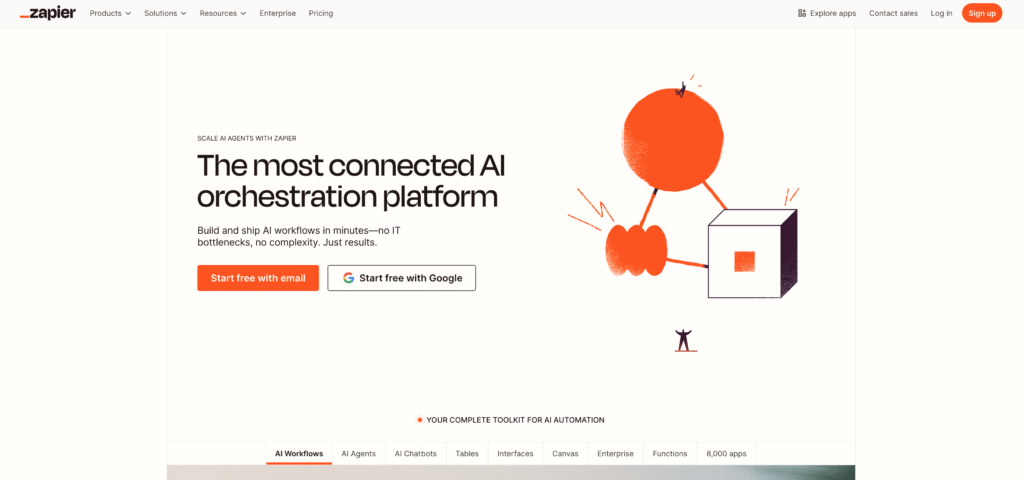
Zapier is the entry point for small business owners who want automation without technical expertise. It connects over 8,000 apps without requiring any coding knowledge, and its drag-and-drop workflow builder enables non-technical team members to set up sophisticated automations in under 60 minutes. For small business owners measuring every dollar, Zapier’s free plan (100 tasks monthly) is genuinely usable—not a crippled version designed to frustrate users into upgrading.
Key Features Relevant to Small Business Operations
- 8,000+ app integrations covering nearly every business tool imaginable: Gmail, Slack, Shopify, Stripe, Google Sheets, QuickBooks, Calendly, and thousands more
- AI-powered Zap builder that analyzes your connected apps and automatically suggests workflow automations
- Multi-step workflows (on paid plans) enabling complex automations spanning 3+ apps with conditional logic
- Conditional branching allowing you to route tasks to different destinations based on specific criteria (if this value exceeds X, do Y)
- Pre-built templates for common workflows—abandoned cart emails, CRM data syncing, invoice reminders—reducing setup friction
Pros Specific to Small Business Workflows
- Fastest setup velocity in the industry—most small business owners complete their first automation in 15–30 minutes
- Largest integrations library by far, meaning your specific business tools almost certainly exist
- Free plan is genuinely valuable, not a feature-locked demo—100 tasks monthly equals one simple automation running daily for a month
- Zero learning curve for non-technical staff—if your team can send an email, they can build a Zap
- Extensive template library reduces setup friction—search “abandoned cart email” and choose a template rather than building from scratch
Honest Trade-Offs
- Free plan maxes out fast once you deploy multiple automation simultaneously
- Per-task pricing structure becomes expensive for high-volume automation—processing 5,000 records monthly across multiple steps quickly consumes paid plan limits
- Minimal pricing gap: Starter jumps to $29.99/month with no intermediate options for growing teams
- Polling-based triggers introduce slight latency compared to webhook-based platforms—data syncs on schedule, not instantly
Real-World Impact: Quantified
Marketing team automation: A 3-person digital marketing agency deployed Zapier to connect client feedback forms, Google Sheets, and Slack. Previously: Collecting form submissions, manually logging them into spreadsheets, sending Slack alerts to the team. Time: 8 hours/week. With Zapier: Forms feed automatically to Sheets, Slack notifies the team instantly, and follow-up reminders trigger automatically. Hours freed: 8/week. Tool cost: $0 (free tier). Value at $50/hour: $1,600/month productivity gain.
E-commerce order automation: A small online retailer connected Shopify, Stripe, and Gmail. When a customer orders: Zapier sends a confirmation email, logs the transaction to an accounting spreadsheet, and creates a task in their project manager. Automation runs 50+ times daily. Manual process time: 10 minutes per order × 50 = 500 minutes/week. Automated process time: <1 minute total (pure data syncing). Hours freed: 8/week.
Pricing Transparency
- Free plan: 100 tasks/month, unlimited two-step Zaps, access to 8,000+ integrations, basic support
- Starter plan: $29.99/month, 750 tasks/month, multi-step Zaps, conditional logic, filtering
- Professional and above: $49.99+/month, higher task volumes and advanced features
Implementation Timeline
- Setup time: 30–45 minutes for first automation (including app connection)
- Learning curve: 2–3 hours for team proficiency with 3–4 automation
- Time to ROI: 2–4 weeks (immediate time savings, but cost savings compound over weeks)
Best for: Solopreneurs and freelancers managing multiple client accounts, small marketing teams, e-commerce businesses with order-to-fulfillment workflows, service providers who don’t want to hire additional admin staff, and non-technical business owners seeking immediate automation without learning curves.
2. Make (Integromat) – Best for Complex Workflows
Why Make Matters for Small Business Automation
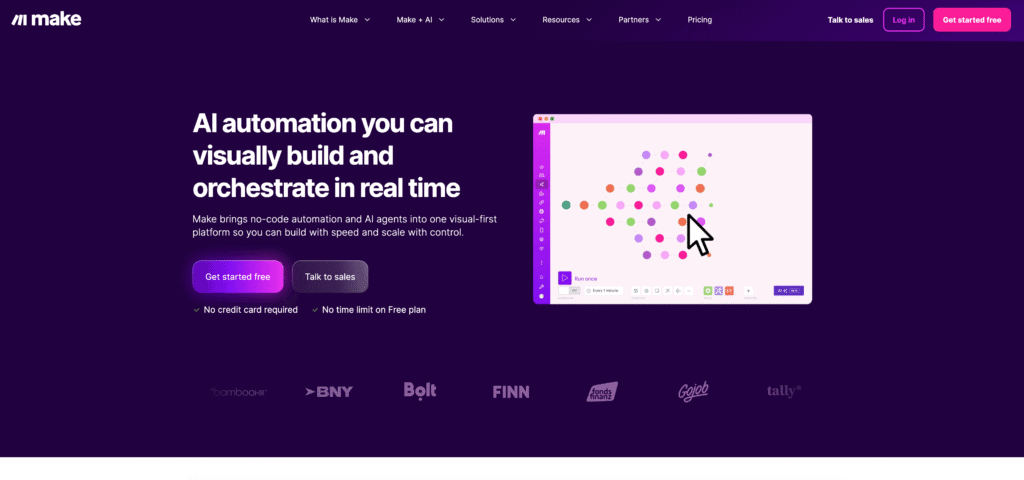
Make excels where Zapier hits limitations. Where Zapier handles simple 2–3 step workflows efficiently, Make is purpose-built for complex automation with extensive branching logic, data transformations, and multi-decision workflows. For small businesses processing data across three or more systems simultaneously, Make’s per-credit pricing often delivers superior value compared to Zapier’s per-task structure.
Key Features Relevant to Small Business Operations
- 2,800+ app integrations covering most contemporary business software across sales, marketing, accounting, and operations
- Advanced visual workflow builder with sophisticated features including loops, arrays, and data transformation without writing code
- Per-credit billing (instead of per-task), where a credit = one action in your workflow
- Flexible, predictable pricing that scales with actual usage—ideal for seasonal or variable-volume businesses
- Built-in data transformation allowing you to reshape, filter, and manipulate data across systems without external tools
Pros Specific to Small Business Operations
- Better value for multi-step workflows—per-credit billing is cheaper than Zapier’s stepped pricing for workflows with 5+ steps
- Manages data-heavy operations including bulk record processing, file conversions, spreadsheet transformations, and API-based data syncing
- More generous free plan than Zapier (1,000 credits vs. 100 tasks), allowing heavier experimentation before upgrade
- Ideal for technical small business owners or teams with a developer on staff who can design sophisticated workflows
- Excellent for inventory, invoicing, and accounting integration—common pain points for small e-commerce and service businesses
Honest Trade-Offs
- Higher learning curve—the visual interface is powerful but less intuitive than Zapier’s
- Credit consumption can be unpredictable for very complex workflows (some AI steps consume multiple credits)
- Smaller integration library compared to Zapier (2,800 vs. 8,000), though major business platforms are supported
- Often requires external data mapping or format conversion for highly specific use cases
Real-World Impact: Quantified
E-commerce inventory workflow: A small online retailer syncing data across Shopify, Stripe, and QuickBooks deployed Make to prevent overselling and automate accounting. The workflow tracked inventory levels in real-time, automatically updated product availability when stock hit specific thresholds, created accounting entries for each transaction, and triggered reorder alerts when inventory dropped below minimum levels. Result: Eliminated 6 hours/week of manual inventory and accounting work. Equivalent hiring cost: $25,000+/year. Make cost: $10.59/month. ROI achieved: First month.
Service business automation: A 4-person digital agency using Make connected Asana (project management), Google Sheets (timesheets), and Wave Accounting (invoicing). Workflows automatically logged time entries, calculated project profitability, generated invoices, and synced financial data to accounting. Result: 40% reduction in administrative overhead. Initial setup: 8 hours with an external developer. Ongoing benefit: 10+ hours/week freed. Team consensus: “Paid for itself in the first two weeks.”
Pricing Transparency
- Free plan: 1,000 credits/month, up to 2 active workflow scenarios
- Core plan: $10.59/month (billed annually), 10,000 credits/month, unlimited scenarios
- Pro plan: $18.82/month (billed annually), premium support and higher execution limits
Implementation Timeline
- Setup time: 1–2 hours for moderately complex workflows
- Learning curve: 4–6 hours to understand data mapping, branching logic, and credit consumption
- Time to ROI: 3–6 weeks for data-intensive operations
Best for: Small businesses with multi-step workflows across 3+ systems, e-commerce operations syncing inventory and accounting, service providers managing complex project data and billing, and technical teams comfortable with slightly more sophisticated setup and configuration.
3. ChatGPT – Best for Content, Writing & Strategic Tasks
Why ChatGPT Matters for Small Business Automation
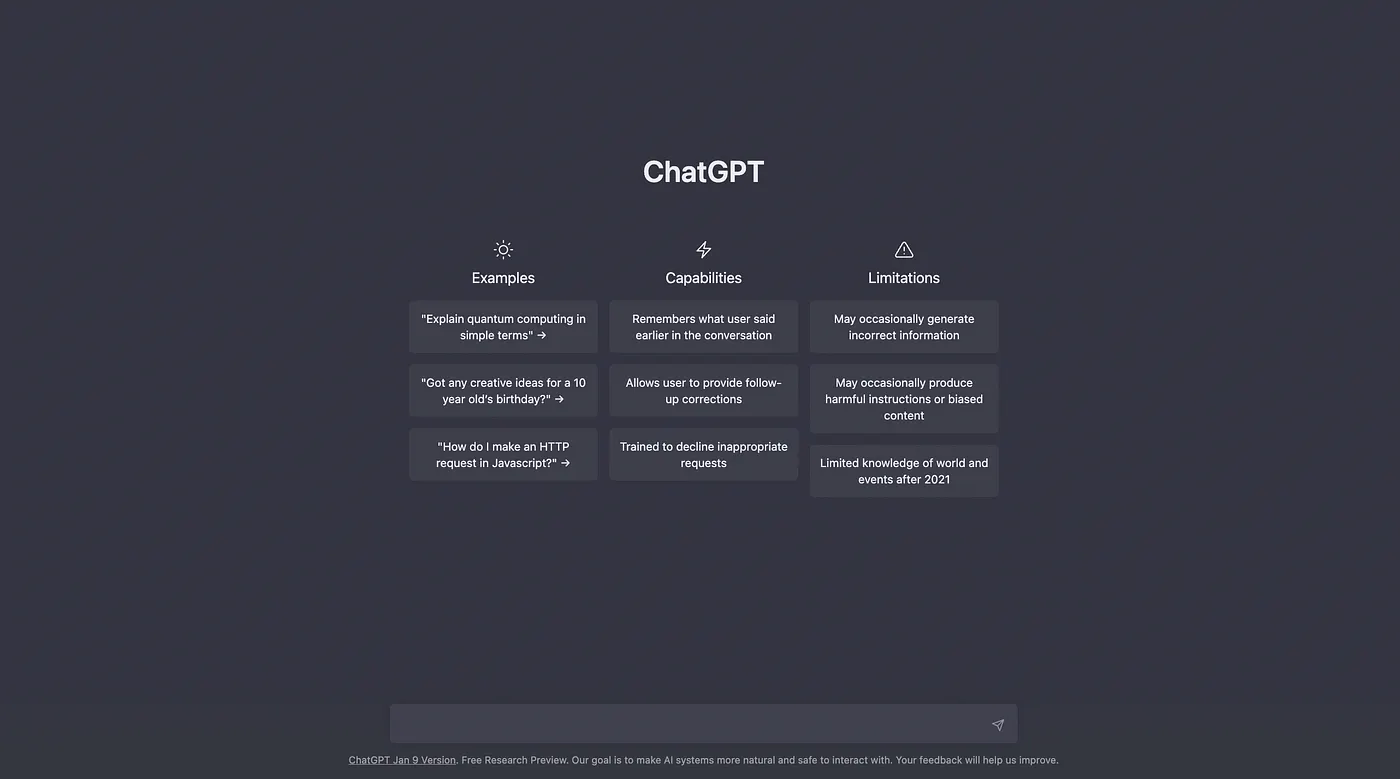
While Zapier and Make automate task execution across apps, ChatGPT automates thinking and creative work. It’s the fastest way for small business owners to draft personalized emails, create marketing copy, research prospects, summarize meetings, and brainstorm strategies without hiring additional staff. For solo entrepreneurs and small teams wearing multiple hats, ChatGPT eliminates the “staring at a blank page” bottleneck that kills productivity.
Key Features Relevant to Small Business Operations
- GPT-4o on free plan (with usage limits) and unlimited access on Plus (\$20/month)
- Custom instructions allowing you to train ChatGPT on your brand voice, business context, and specific processes
- Web search integration (Plus tier) for real-time research, fact verification, and accessing current information
- File uploads enabling you to paste contracts, proposals, complex documents, or meeting transcripts for analysis
- Integration with 500+ tools via Zapier and Make, enabling ChatGPT outputs to trigger downstream automation
Pros Specific to Small Business Operations
- Free tier is genuinely functional—sufficient for drafting emails, creating social media content, researching competitors, and brainstorming
- Fastest ROI of any tool on this list—small business owners see tangible time savings within days, not weeks
- Handles remarkably diverse tasks from email drafting to customer service responses to financial analysis to basic coding
- Custom instructions multiply value—train it once on your business context and it remembers for future conversations
- No learning curve—anyone who can write an email can use ChatGPT effectively immediately
Honest Trade-Offs
- Free tier has usage limits during peak hours—at 3 PM on weekdays, access may be restricted or slower
- Hallucination risk—occasionally generates plausible-sounding but factually inaccurate information (requires fact-checking)
- Limited native integration with business apps—requires Zapier or custom API setup for full workflow automation
- Plus subscription adds \$20/month—some cost-conscious small business owners may default to the free tier
Real-World Impact: Quantified
Sales email workflow: A freelance consultant using ChatGPT to draft personalized cold outreach reported reducing email writing time from 4 hours/week to 1.5 hours/week. Workflow: Provide prospect context (company, industry, recent news), ChatGPT generates personalized draft, consultant edits for authenticity and sends. Result: Same outreach volume with 2.5 fewer hours/week. Annual savings: $6,500 in time freed at $50/hour.
Content marketing workflow: A small marketing agency running a blog, email newsletter, and social media reported saving 30 hours/month through ChatGPT. Process: ChatGPT drafts 5–10 blog post outlines weekly, generates email newsletter templates, creates social media captions (edited by copywriter for brand authenticity). Tool cost: $20/month ChatGPT Plus. Equivalent freelance writer cost: $2,000+/month. ROI: Achieved month one.
Meeting summarization: A service-based business recording client calls and feeding transcripts to ChatGPT reported 6 hours/week saved on note-taking and follow-up preparation. ChatGPT extracts action items, flags scope changes, identifies upsell opportunities, and drafts follow-up emails directly from transcripts. Cost: $0–\$20/month. Manual alternative: 5+ hours/week of administrative staff time.
Pricing Transparency
- Free plan: Access to ChatGPT with peak-hour usage limits, GPT-4o with reduced access during peak times
- Plus plan: \$20/month, unlimited usage, web search, advanced file analysis, custom GPTs
- Team/Enterprise: Custom pricing for collaborative teams requiring audit trails and compliance
Implementation Timeline
- Setup time: 5 minutes (sign up and start chatting)
- Learning curve: 1–2 hours to write effective prompts that match your business context
- Time to ROI: 3–7 days (content and email workflows show fastest financial returns)
Best for: Solopreneurs and freelancers, small business owners handling their own marketing and sales, consultants writing proposals, customer service teams drafting responses at scale, and anyone spending significant time on writing, research, or strategic thinking.
4. n8n – Best for Data Privacy & Advanced Automation
Why n8n Matters for Small Business Automation
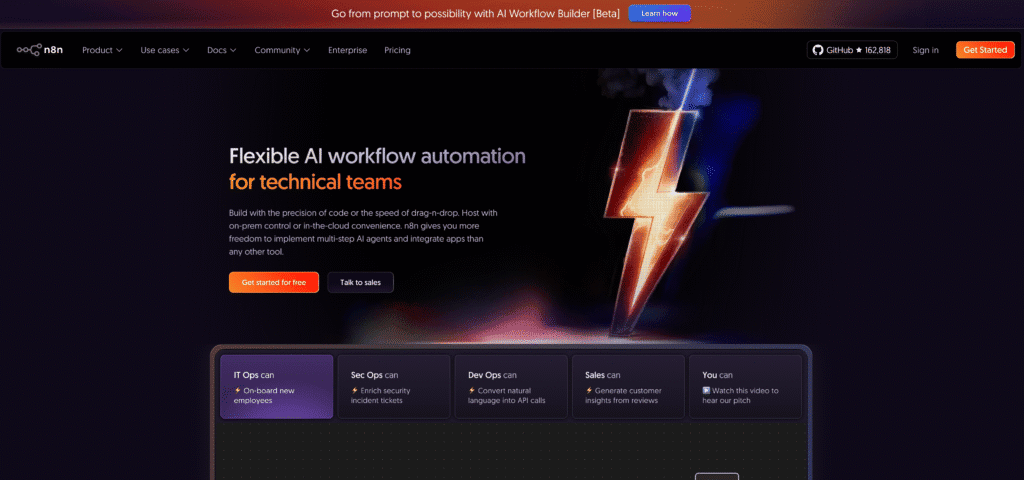
n8n is the only platform on this list offering a completely free self-hosted version with unlimited execution rights. For small business owners concerned about data privacy, long-term cost scaling, or needing maximum customization flexibility, n8n delivers unmatched value. The trade-off: it requires some technical sophistication or willingness to hire a developer for initial setup.
Key Features Relevant to Small Business Operations
- Self-hosted Community Edition is completely free with zero execution limits—only pay for server hosting ($5–15/month)
- 400+ app integrations covering major business platforms and APIs
- Advanced workflow logic including loops, conditional branching, and JavaScript for custom functions
- No per-execution pricing limits if self-hosted—run 10 automation or 10,000, your cost remains the same
- Full data control—workflows execute on your own server or cloud infrastructure, not n8n’s shared servers
Pros Specific to Small Business Operations
- Zero software cost if self-hosted (only server hosting at ~$7–15/month for small workloads)
- Unlimited execution means high-volume automation becomes affordable—thousands of daily workflows cost the same as hundreds
- Superior for high-volume businesses where Zapier or Make pricing would become prohibitively expensive at scale
- Data sovereignty—sensitive customer data stays on your infrastructure, never syncs to third-party SaaS
- Perfect cost structure for predictable workloads—you know exactly what you’re paying monthly, no surprises
Honest Trade-Offs
- Steeper learning curve—requires technical comfort with installation and configuration
- Self-hosting requires ongoing maintenance—server updates, backups, and troubleshooting become your responsibility
- Smaller integration library compared to Zapier (400 vs. 8,000), though covers most business-critical applications
- Setup takes hours to days, not the 30 minutes Zapier requires
Real-World Impact: Quantified
High-volume e-commerce scenario: A small online retailer processing 500+ orders daily faced escalating Zapier costs. At Zapier’s $29.99/month for 750 tasks, they’d need the $99/month Professional plan. With n8n self-hosted on a $7/month server, their total annual automation cost is $84 (server only). Annual savings: ~$900 compared to Zapier. More critically: unlimited scaling. At 2,000 orders daily, Zapier would exceed enterprise pricing; n8n remains $7/month.
Healthcare data scenario: A healthcare consultant managing client data across multiple systems chose n8n for HIPAA compliance. Self-hosting ensured sensitive client information never left their infrastructure or touched third-party servers. Setup investment: 20 hours with an external developer. Long-term value: Full regulatory compliance + $5,000+/year cost savings vs. enterprise Zapier licensing.
Pricing Transparency
- Self-hosted Community Edition: Completely free for software (you pay $5–15/month for server hosting on services like DigitalOcean)
- Cloud Starter: $24/month for 2,500 workflow executions (managed hosting)
- Cloud Pro & Enterprise: Higher execution limits, advanced features, enterprise support
Implementation Timeline
- Setup time: 2–4 hours initial installation (requires developer support)
- Learning curve: 6–8 hours to build first workflow comfortably
- Time to ROI: 6–12 weeks (depends on workflow complexity and whether you hire setup assistance)
Best for: Technically sophisticated small business owners, businesses with high-volume automation (500+ daily executions), companies with data privacy or compliance requirements, and teams willing to invest upfront setup time for long-term cost savings.
5. Tidio – Best for Customer Support Automation
Why Tidio Matters for Small Business Automation
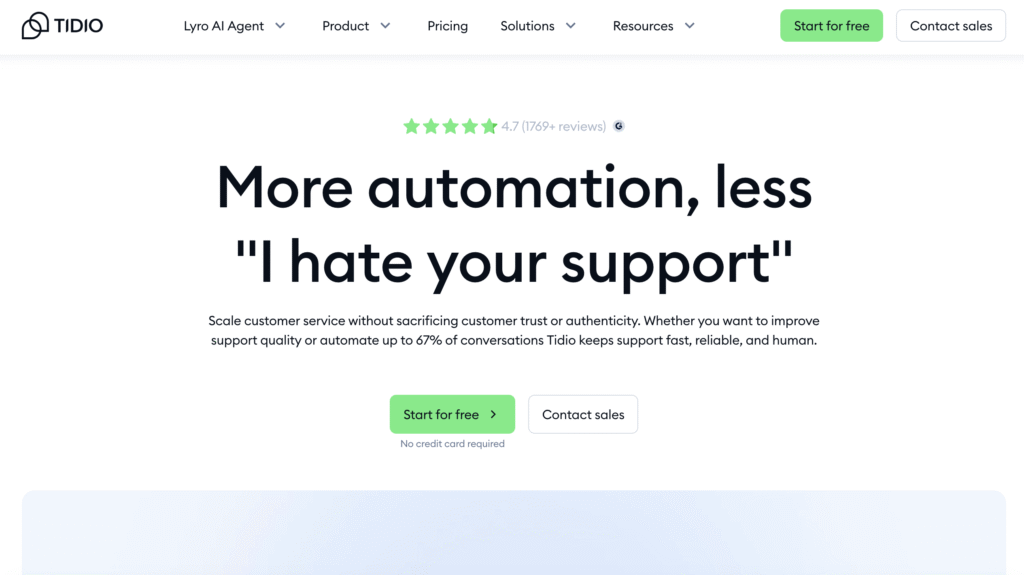
Customer support is where small business owners waste the most accumulated time. Responding to repetitive questions repeatedly, chasing follow-ups, and managing tickets across multiple channels destroys productivity. Tidio’s AI chatbot (Lyro) automates routine customer inquiries 24/7, freeing human support staff to focus on complex issues, relationship-building, and customer retention.
Key Features Relevant to Small Business Operations
- AI chatbot (Lyro) that answers common customer questions 24/7 without human intervention
- Conversation-based pricing (not per-seat or monthly flat fee), so cost scales with actual usage volume
- Multi-channel support spanning email, live chat, WhatsApp, Facebook Messenger, and social media
- Automation workflows that route complex tickets to human agents or trigger actions based on keywords
- Shared inbox functionality for teamwork—multiple team members handle tickets from one central location
Pros Specific to Small Business Operations
- Automates routine inquiries—order status, FAQs, returns, common technical questions—without hiring support staff
- Conversation-based pricing means minimal cost for low-volume support; costs scale predictably with volume
- Fast implementation—connect Tidio to your website or help desk in under an hour
- Reduces first-response time by 67%—AI answers instantly, humans handle complexity
- Free plan is generous and sufficient for businesses handling 50–100 daily inquiries
Honest Trade-Offs
- AI quality depends on knowledge base—sparse FAQs or help documentation yields poor bot responses
- Conversation volume pricing can escalate—monitor usage to avoid unexpected bill increases
- Limited AI customization on lower tiers—you can’t extensively train Lyro on proprietary business processes
- CRM integrations require paid tiers for some specific platforms
Real-World Impact: Quantified
E-commerce customer service: A 5-person online retailer handling 200+ daily customer inquiries deployed Tidio’s AI chatbot. Common inquiries (“Where’s my order?”, “What’s your return policy?”, “Do you have this in stock?”) now handled by Lyro automatically. Support team moved from responding to 200 chats daily to 120, focusing on complex issues and customer retention. Hours freed: 40/week. Cost: $24/month Starter plan. Equivalent support hire cost: $30,000+/year.
SaaS onboarding support: A software product manager using Tidio to support new user onboarding reported Lyro answering 60% of first-time user questions (“How do I set up?”, “Where do I find X feature?”, “Is this compatible with Y?”). Result: Support tickets dropped 25%, users felt cared for with instant responses, and support staff focused on complex technical issues. Cost: $24/month. Team sentiment: “Worth every penny—it’s like hiring a support person we don’t have to manage.”
Pricing Transparency
- Free plan: Limited conversations, basic chatbot functionality
- Starter: $24/month for up to 100 conversations (annual billing)
- Growth: $180/month for higher conversation limits and advanced automation
- Plus & above: $749+/month for enterprise features
Implementation Timeline
- Setup time: 30–45 minutes (connect to website, upload FAQ/help center)
- Learning curve: 1–2 hours to configure bot responses and routing rules
- Time to ROI: 1–3 weeks (support ticket reduction is immediate)
Best for: E-commerce businesses, SaaS companies, service businesses with high customer inquiry volume, and teams wanting to reduce support costs without sacrificing response quality.
Time Savings by Use Case

This chart visualizes realistic time savings and ROI timelines for five common small business automation scenarios. Email marketing automation typically saves 12 hours weekly and achieves ROI within 2 weeks. Customer support automation requires longer configuration but delivers 15 hours/week in freed time. Most small businesses realize meaningful ROI within 2–6 weeks of implementing their first strategic automation.
Financial Impact: What Small Businesses Actually Save
The ROI equation is elegantly simple: Productivity Gains (in hours) × Hourly Rate − Tool Costs = Net Monthly Benefit.
Scenario 1: Solopreneur Consultant
Baseline: Spending 20 hours weekly on administrative overhead (emails, scheduling, invoicing, follow-ups, research)
Tools Deployed: ChatGPT Plus ($20/month) + Zapier Free ($0)
Automation Workflow: ChatGPT drafts client emails and proposals. Zapier sends automated payment reminders and meeting confirmations.
Time Freed: 8 hours/week (email drafting, scheduling, invoicing)
Financial Impact:
- Hours freed monthly: 8 hours/week × 4.3 weeks = 34.4 hours
- Value at $100/hour billable rate = $3,440/month in potential new billable work
- Tool cost: $20/month
- Net monthly benefit: $3,420
- ROI: 17,100% (achieved in month one)
Scenario 2: Small Service Business (5 Employees)
Baseline: 3 admin staff managing customer inquiries, scheduling, invoicing, and data entry (120 billable hours weekly being consumed by administrative work)
Tools Deployed: Zapier Starter ($29.99/month) + Tidio Starter ($24/month) + ChatGPT Free ($0)
Automation Workflows:
- Chatbot handles 40% of customer inquiries
- Zapier syncs order data to accounting and sends automated payment reminders
- ChatGPT drafts customer follow-ups
Result: 1 full-time employee’s workload partially automated (40 hours/week reduced to 25)
Financial Impact:
- Hours freed: 15 hours/week
- Monthly labor cost at $20/hour fully-loaded: $1,200/month
- Tool cost: $53.99/month
- Net monthly savings: $1,146
- ROI achieved: 3 weeks (cost of one week of salary savings exceeds total tool cost)
Scenario 3: Small E-Commerce Business (3 Owners)
Baseline: Managing orders, customer inquiries, inventory, and email marketing manually across Shopify, email, and spreadsheets (35+ hours/week on administrative tasks)
Tools Deployed: Make Starter ($10.59/month) + Tidio Free ($0) + Zapier Free ($0)
Automation Workflows:
- Automated order-to-fulfillment workflows syncing Shopify, inventory tracking, and accounting
- AI chatbot handling FAQ questions and order status inquiries
- Email sequences for cart abandonment and post-purchase follow-up
Time Freed: 20 hours/week from order processing, inquiry handling, and email management
Financial Impact:
- Hours freed monthly: 20 hours/week × 4.3 weeks = 86 hours
- Avoided hiring cost: $25,000–$35,000/year for part-time employee
- Tool cost: $10.59/month = $127.08 annually
- Annual net savings: $23,000+
- ROI timeline: Payback in 5 days
Getting Started: Your Implementation Roadmap
Most small business owners fail at automation because they attempt to automate everything simultaneously. This proven approach prevents overwhelm:
Phase 1: Choose ONE High-Impact Workflow (Week 1)
Select the task that:
- Takes the most time (ideally 5+ hours/week)
- Happens repeatedly with identical steps every time
- Has a clear trigger event (new email arrives, form submission, payment received)
Examples of high-impact workflows:
- Automatic payment reminders for unpaid invoices
- Customer inquiry responses using templated responses
- Data entry from web forms to spreadsheets
- New order confirmation and fulfillment workflows
- Email newsletter sequences
Tool recommendation for beginners: Start with Zapier or ChatGPT. Both have sub-60-minute learning curves for simple workflows.
Phase 2: Build and Test the Automation (Weeks 2–3)
- Sign up for the free tier
- Connect your apps (10 minutes maximum in Zapier)
- Follow template examples to build your automation
- Test with real data before deploying to production
- Measure and document time before implementation
Expected outcome: First automation should save 5–8 hours/week
Phase 3: Measure Results (Week 4)
Track these specific metrics:
- Actual time saved per week (use before/after logs)
- Error rate reduction (automated processes should have 40–75% fewer errors than manual)
- Cost per transaction (for money-related workflows)
- Employee/customer satisfaction (for support automation)
Success threshold: If your first automation saves less than 3 hours/week, troubleshoot or choose a different workflow.
Phase 4: Build Your Second Automation (Weeks 5–8)
Deploy your second workflow targeting your second highest-impact process. Apply learning from Phase 1.
Critical principle: Stagger implementations by 2–3 weeks to avoid team overwhelm. Don’t launch multiple automation simultaneously.
ROI Measurement Framework
Replace guesswork with measurement:
| Metric | Measurement Method | Why It Matters |
|---|---|---|
| Hours saved per task | Track before/after using time logs or team surveys | Proves automation is delivering tangible time value |
| Cost per process | (Tool cost ÷ number of processes automated) | Identifies whether specific tool choice is cost-effective |
| Error rate reduction | Compare manual error percentage vs. automated | Automated workflows should reduce errors by 40–75% |
| Employee satisfaction | Post-automation survey on job satisfaction | Employees freed from repetitive work report higher engagement |
| Revenue impact | Track revenue/month before vs. after | Freed hours should translate to business development or sales time |
Gold-standard ROI measurement: Calculate your fully-loaded hourly cost (salary + benefits + overhead burden), multiply by hours saved monthly, compare against tool costs. Example: $50,000/year employee = ~$25/hour fully-loaded. If Zapier ($30/month) saves that employee 8 hours monthly (160 hours/year), the ROI is ($25 × 160 hours) − ($30 × 12 months) = $3,640/year.
Common Mistakes Small Business Owners Make
Mistake 1: Starting Too Complex
Many owners design the “perfect” automation connecting five apps with advanced logic. Result: Analysis paralysis. Weeks pass without implementation.
Solution: Automate ONE simple task saving 5+ hours/week. Prove the concept works. Expand afterward.
Mistake 2: Choosing the Wrong Tool
Zapier isn’t always optimal. n8n may deliver better long-term value. ChatGPT might solve more problems than dedicated tools.
Solution: Match tools to specific problems. Email workflows → specialized email automation. Data syncing → Zapier/Make. Content/writing → ChatGPT.
Mistake 3: Skipping Measurement
“We’re probably saving time” isn’t sufficient. Without metrics, you won’t prove ROI to skeptical team members.
Solution: Measure before/after for every automation. Track hours, errors, and costs. Use metrics to justify team adoption.
Mistake 4: Insufficient Knowledge Base for Chatbots
Tidio and similar AI customer support tools fail when you haven’t uploaded comprehensive FAQs, help articles, or product documentation. The AI can only answer from provided materials.
Solution: Audit your knowledge base before chatbot launch. Add missing FAQs. Update outdated information.
Mistake 5: Inadequate Team Training
Tools don’t fail due to poor design—they fail because your team doesn’t use them properly. ChatGPT needs quality prompts. Zapier workflows need clear triggers. Tidio needs comprehensive bot rules.
Solution: Invest 2–3 hours training your team per tool. Demonstrate use cases. Answer questions directly.
Read more: AI Automation Mistakes Small Business: 7 Costly Pitfalls to Avoid
Frequently Asked Questions
Q1: Do I need technical expertise to use these tools?
No. Zapier, ChatGPT, Tidio, and Make require zero coding knowledge. n8n is the exception for self-hosting, but even then, the visual builder is non-technical; self-hosting setup requires technical assistance.
Q2: How quickly will I see return on investment?
Most small businesses see ROI within 2–4 weeks. Email automation and ChatGPT workflows show fastest payback. Customer support automation requires 4–6 weeks but often saves the most hours.
Q3: Which tool should I start with as a beginner?
– If you write a lot of emails/content: ChatGPT Free
– If you manage multiple apps (CRM, email, e-commerce, accounting): Zapier Free
– If customer inquiries consume significant time: Tidio Free
Advantage: All three free tiers cost nothing to test your specific use case
Q4: What if the tool doesn’t work for my particular workflow?
All platforms offer free trials or generous free tiers. Test your specific use case before paying. Most issues stem from unclear automation triggers or missing integrations—not tool limitations.
Q5: Can I combine multiple tools?
Absolutely. Best automation stacks combine complementary tools—ChatGPT + Zapier, or Tidio + Make. Each excels at different problems; strategic combination unlocks maximum value.
Conclusion: Your Next Step
The barrier to automation isn’t technology anymore—it’s organizational inertia. Fifty-five percent of small businesses use AI, yet this percentage doubled in just one year. They reached this point by starting with one tool and one workflow, not by attempting enterprise-grade automation transformation.
Today’s typical small business owner automates 2–3 high-impact processes, saving 10–15 hours weekly and cutting operating costs by $500–$2,000 monthly. The ROI timeline: 2–4 weeks for most workflows.
Your implementation roadmap:
- Identify ONE workflow consuming 5+ hours weekly that’s highly repetitive (invoicing reminders, customer responses, data entry, order processing)
- Select the appropriate tool (Zapier for multi-app workflows, ChatGPT for writing, Tidio for support)
- Deploy this week using the free tier—zero financial risk
- Measure results after two weeks
- Build your second automation once Phase 1 shows time savings
No single tool is perfect for every business. But one of these seven platforms already solves your specific problem, costs $0–$30/month, and can be live within hours.
The question isn’t whether to automate. It’s whether you’ll let your competitors automate first.
Resources to Get Started
- Zapier Getting Started Guide: help.zapier.com/hc/en-us/
- Make Workflow Templates: make.com/en/templates
- ChatGPT Prompt Library for Business: openai.com/chatgpt/prompts
- n8n Complete Documentation: docs.n8n.io
- Tidio Knowledge Base: tidio.com/help